AI · Code · Design · 2026 · In dev
Visualeyes
A studio for building interactive 3D product configurators, and the embeddable viewer they ship in. You bring a model. It works out how the parts move, dresses them in physically based materials and stages them like a product shoot. A person and an AI agent build in the same project, and every change either one makes is visible and undoable.
- Role
- Product design + engineering
- Status
- In development · core, studio and AI tools built
- Built
- Oct 2026
- Stack
- TypeScript · React · three.js · WebGL2 · Claude (MCP)
Note
Say what it does, not where the pivot goes.
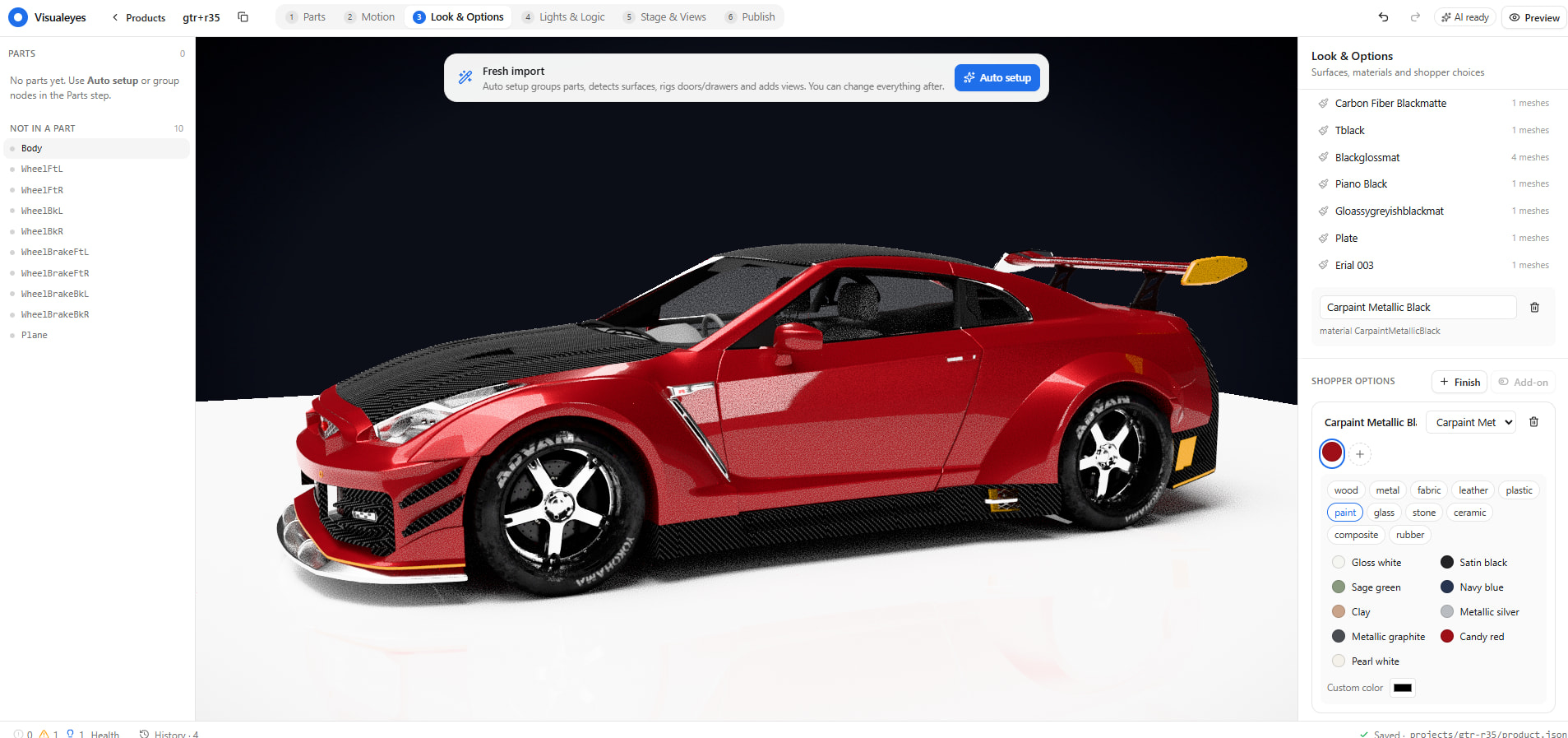
Visualeyes turns a model file into a product people can actually use: open the doors, pull the drawers, press the power button, switch the finish. You rig a part by saying what it does (“it swings”, “it slides”), and the studio works out the pivot from the shape. It even reads which side a door hinges on from where its handle sits. Finishes use real texture sets or the materials already in the model. They sit under studio lighting with soft shadows and reflections, and a new finish ripples across the surface instead of popping in. Lights and switches are wired with plain data: opening a door turns on the cabinet LED, and a button powers the display. The finished configurator publishes as a single script tag.
Brief
The problem and the idea
Product configurators are usually one-off builds. A developer hand-wires every door, swatch and price for one product, and the next product starts from scratch. Off-the-shelf tools are faster, but the results look like plastic. Visualeyes makes the configuration itself a standard. Every motion, finish, light and rule lives in one readable file, and the studio, the embed and the AI agent all read it the same way.
Three principles shaped every decision:
- Everything is a dial. Every motion is one value from 0 to 1. Clicks, drags, sequences, linked lights and the AI all just set dials, so a hinge, a drawer and a dimmer work the same way.
- Every knob has two users. Each setting is defined once; the studio’s controls and the AI’s tools are both generated from that definition. A feature isn’t done until both a person and the agent can use it.
- Premium by default. Good light, real materials and a crafted feel come out of the box, so a fresh import already looks like a product shot, not a CAD preview.